Find the product
Search the eligible native PressFlow products and supported verified Tradeprint imports you enable.

QUICK ORDER
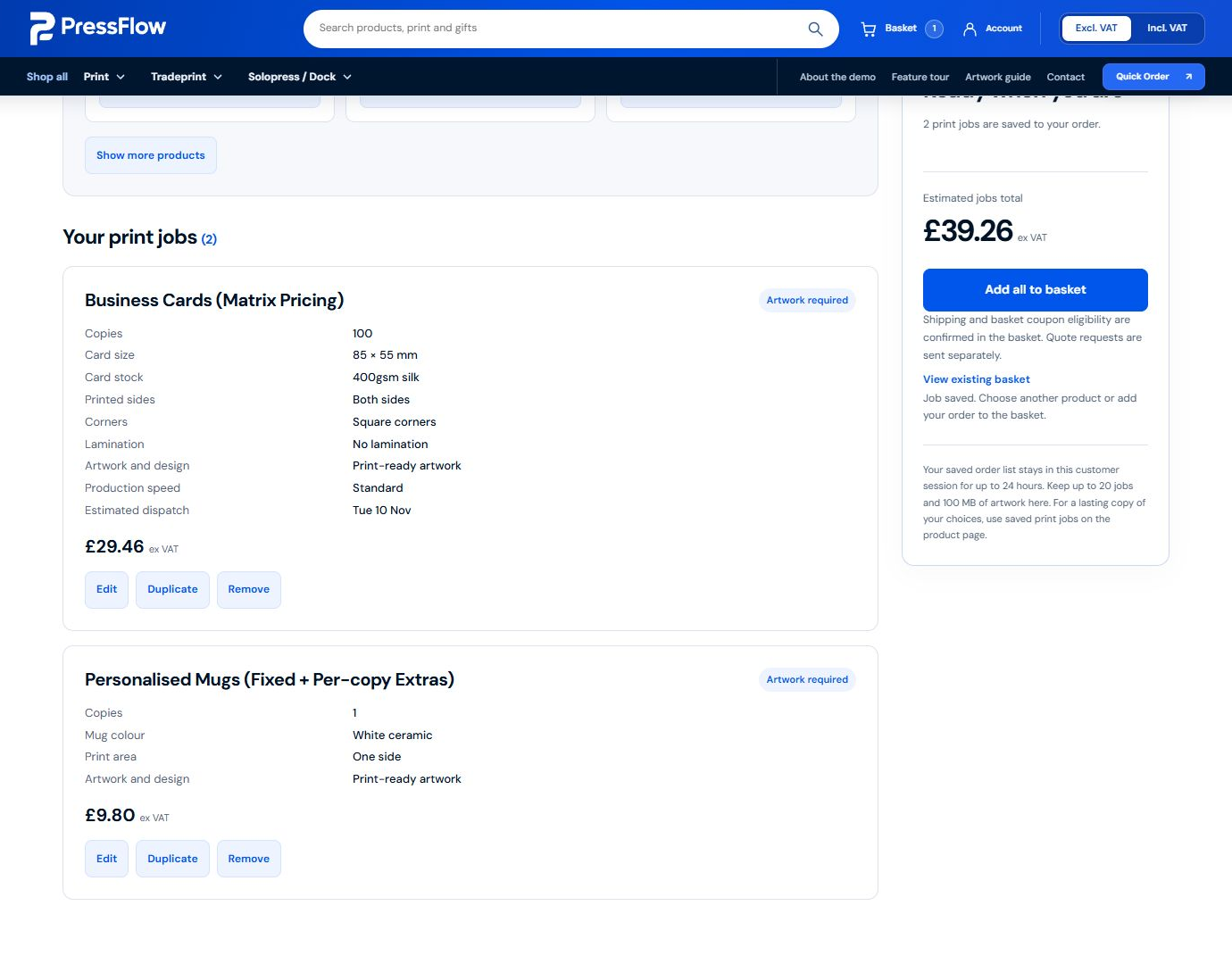
Let a buyer configure several print jobs on one page and add them to the basket together. Each line keeps its own price, print specification, reference and artwork.
SEE THE DETAIL
WHAT THIS CHANGES
Search the eligible native PressFlow products and supported verified Tradeprint imports you enable.
Configure, save, edit or duplicate a job without losing its individual details.
Check the pending list, then add the saved jobs through the normal WooCommerce basket flow.
A WORKED SCENARIO
Prepare business cards for a colleague, flyers for a launch and a banner for an event. Each job has its own quantity, choices and artwork route, while the buyer can review the list together.
BEFORE YOU ENABLE IT
Quick Order supports eligible configured products. Quote requests are sent separately. Connected Solopress products continue through the official Dock product-page configurator.
YOUR NEXT STEP
Try a representative job, review the complete licence, or talk to Fell & Harbour about a website built around your catalogue.