
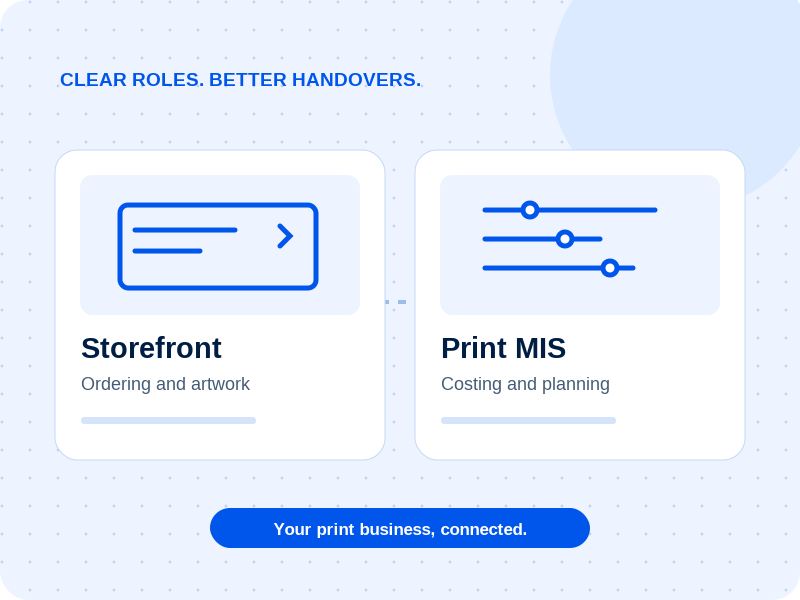
If you’re researching print MIS software, you may also be looking at online storefronts, estimating tools and web-to-print platforms. The terms often appear together, but they describe different parts of running a print business.
Understanding that distinction helps you avoid buying an ordering tool when you need production costing, or starting a full systems project when the immediate problem is simply that customers can’t order online.
PressFlow works on the ecommerce and print-order workflow side of that decision. Here’s how to work out where it fits.
What is print MIS software?
MIS stands for Management Information System. In a print business, an MIS can support the internal work of estimating, managing jobs, planning production and tracking commercial performance.
The scope varies by product and implementation. Common areas include material requirements, machine capacity, purchasing, stock, job costing and invoicing. As one example of the category, PrintVis describes these areas in its feature overview, alongside its web-to-print connection.
The important point is that an MIS is concerned with the operation behind an order. You might use it to understand what a job costs to produce, where it fits in the schedule and how the actual result compares with the estimate.
What does web-to-print software do?
Web-to-print focuses on bringing print buying and ordering online. Customers choose a product, specify options, see a selling price and submit an order or enquiry, with artwork and approval steps where supported.
That experience needs print-specific rules. A standard ecommerce product page may not naturally express quantity matrices, dimensions, linked stocks and finishes, or a proof that needs approval before production.
Some suppliers combine storefront and MIS functions in one offering. Others provide separate tools with an integration between them. Don’t judge the scope by the label alone: follow the actual order and inspect the information each part handles.
Selling prices and production estimates are different
Consider a customer ordering 500 leaflets. The storefront needs to show a valid specification and the selling price you’ve decided to offer.
An internal estimate might also account for paper usage, waste, press setup, run time, finishing, outsourcing and overheads. Those calculations help you understand cost and margin. They aren’t automatically present just because a website displays a live price.
PressFlow’s pricing tools let you configure customer selling rules. They shouldn’t be presented as a replacement for an MIS costing engine. If production estimating is central to your decision, assess that requirement explicitly.
Which problem are you trying to solve first?
| Your immediate need | Area to investigate |
|---|---|
| Customers need to choose and order print online | Web-to-print storefront and ecommerce |
| Your team needs detailed production estimates | Print estimating or MIS software |
| Capacity and machine scheduling are difficult to manage | MIS production planning |
| Artwork, proofs and order handover need a clearer process | Print-order workflow and approval tools |
| Orders need to move between systems without re-entry | A defined, tested integration project |
You may need more than one of these. The table is a starting point for a discussion, not a rule that every supplier has the same boundaries.
Where PressFlow fits alongside an MIS
PressFlow is a web-to-print add-on for WordPress and WooCommerce. It provides print product configuration and pricing, artwork and proof handling, and workflow tools such as stages, assignments and printable job tickets.
WooCommerce supplies the underlying basket, checkout, customer accounts, payments and shipping framework. Your shop still needs those services configured for your business.
PressFlow now also includes optional operations tools for finite machine scheduling, materials, purchasing, production time and job-cost records. Review those tools against the current release and your own jobs. They do not imply a full MIS replacement or a ready-made connector to an existing MIS; any required connection needs its own review and agreed implementation scope.
That can still be a useful division of work. You can plan an online ordering experience around a print operation that already has internal systems, rather than assuming everything must be replaced at once.
Specify an integration before commissioning it
Start with one real order. List the information that must reach the internal system: product specification, quantity, customer, delivery details, artwork references and approval state.
Decide which system owns each field. Check whether a price or status can change after the order is placed, and how that change should be handled. Include failed transfers and duplicate submissions in the discussion.
Ask about supported interfaces, access permissions, development costs and ongoing maintenance. An integration needs to survive updates to both systems. A diagram of connected boxes isn’t enough to establish that a connector exists or that it carries the data you need.
Define the operational scope before choosing.
PressFlow includes online print ordering, job workflow and optional operations tools for capacity planning, materials, purchasing and reviewed cost assumptions. Those capabilities should be demonstrated against the current release and your own work; they do not imply a full MIS replacement or a ready-made connection to every system.
List the estimating, accounting, reporting and integration requirements the complete operation must meet, and identify which system will own each responsibility.